
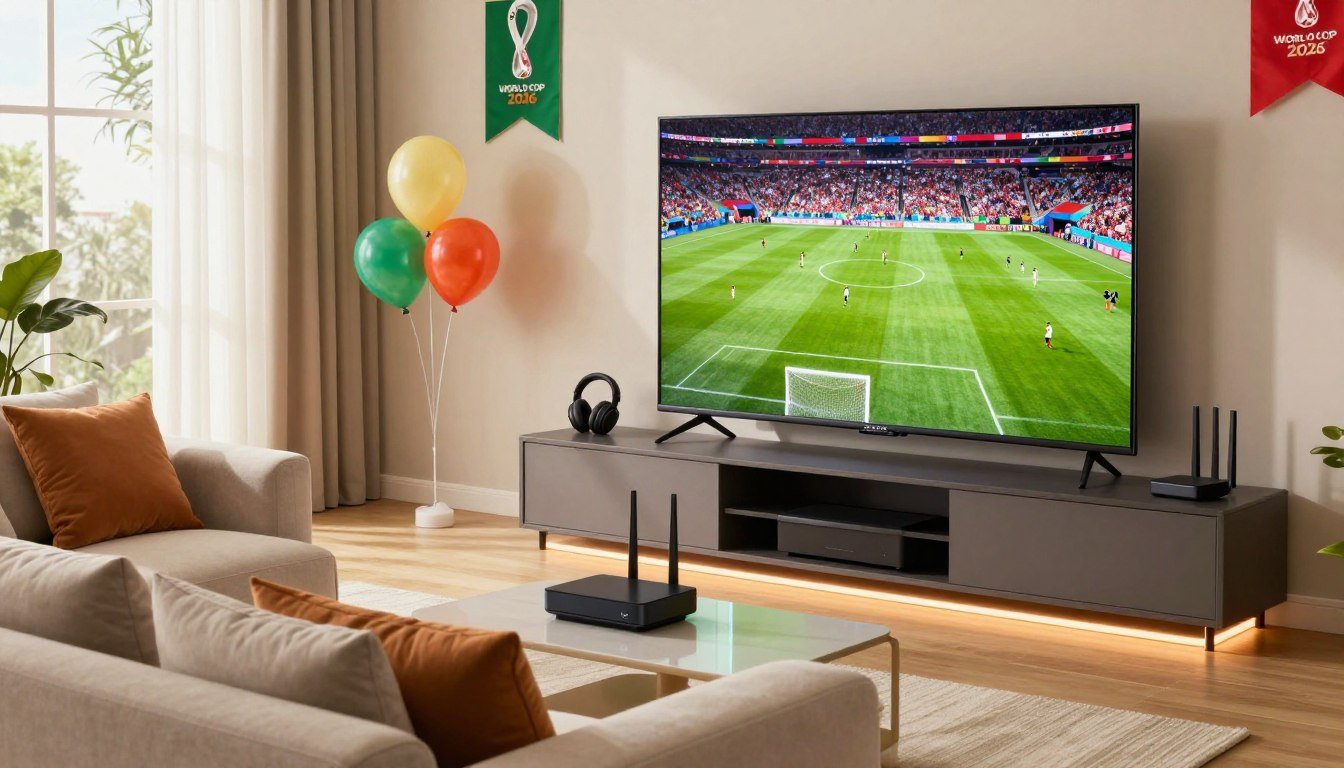
Are you excited to watch the World Cup 2026 in 4K? But, you’re not sure where to start? Many fans miss out on the amazing detail and clear picture that 4K UHD streaming offers. With the right setup, your living room can feel like a stadium.
The 2026 World Cup will be held in the United States, Mexico, and Canada. It’s a great time to upgrade your streaming setup. You’ll want to see every goal, save, and celebration in the best quality.Stream World Cup 2026 in 4K UHD.
This guide will help you understand what you need. You’ll learn about the equipment, streaming platforms, and internet speeds for smooth playback. Whether you use a TV, tablet, or smartphone, we’ve got you covered.
Preparing for World Cup 2026 doesn’t have to be hard. With the right info and prep, you can watch the tournament in stunning 4K from home.
Key Takeaways
- 4K UHD streaming offers four times the resolution of standard HD for better picture quality
- Most major streaming platforms in the United States will broadcast World Cup 2026 in 4K
- You need a minimum internet speed of 25 Mbps for reliable 4K streaming without buffering
- Compatible devices include smart TVs from Samsung, LG, Sony, and streaming devices like Apple TV and Roku
- Proper setup and configuration of your picture settings can enhance your viewing experience dramatically
- Having a backup internet connection helps avoid missing crucial matches due to connectivity issues
- Many platforms offer replay and highlight packages for fans who cannot watch live matches
What You Need to Know About 4K UHD Streaming
Before watching the World Cup 2026, it’s key to understand 4K ultra-high-definition streaming. Knowing what 4K means, its importance, and the needed equipment is crucial. This section explains 4K UHD technology and its role in streaming live sports events.
Definition of 4K UHD
4K ultra-high-definition has a resolution of 3840 x 2160 pixels. It’s four times sharper than standard HD displays. The term “4K” refers to the screen’s width, about 4,000 pixels.
When FOX One and major Pay TV providers broadcast in 4K, images are incredibly detailed. Every movement, grass blade, and facial expression looks crisp and real.
Imagine watching HD like being in the stadium’s upper deck. But 4K is like sitting in the front row. The picture quality is much better, making matches more engaging and immersive.
Benefits of Watching in 4K
Watching the World Cup in 4K has many benefits:
- Sharper image quality shows every detail of the action
- Better color accuracy makes the field come alive
- Less eye strain during long viewing sessions
- It’s a future-proof investment for your entertainment setup
- Enhanced enjoyment of fast-paced sports moments
Your setup must support 4K to enjoy this ultra-high-definition quality. When everything works together, you’ll see the difference right away.
Required Equipment for 4K Streaming
To watch World Cup matches in 4K, you need specific equipment. Start with a 4K-capable television or monitor that supports at least 3840 x 2160 resolution. Without this display, you can’t see 4K content properly.
Next, you need a streaming device or smart TV that supports 4K resolution. Options include Apple TV 4K, Roku Ultra, Amazon Fire TV Cube, and newer Samsung or LG smart TVs. These devices handle the processing power for smooth 4K streaming.
Connection quality is also crucial. Use an HDMI 2.0 cable or higher for proper connectivity. HDMI 2.0 supports the bandwidth needed for 4K content at 60 frames per second. Lower-quality cables can cause issues or prevent 4K from working.
Lastly, get a subscription to a streaming service that offers 4K content. Services like Peacock, YouTube TV, and Sling TV provide World Cup coverage in 4K. Make sure your plan includes this premium feature.
| Equipment Type | Minimum Requirement | Why It Matters |
|---|---|---|
| Display Device | 4K-capable television or monitor (3840 x 2160) | Cannot display 4K content without proper resolution support |
| Streaming Device | Streaming device or smart TV that supports 4K resolution | Processes and delivers 4K signal to your display |
| Cable Connection | HDMI 2.0 cable or higher | Transmits high bandwidth required for 4K at 60fps |
| Service Subscription | Subscription to a streaming service that offers 4K content | Provides access to World Cup matches in 4K quality |
| Internet Speed | Minimum 25 Mbps for 4K streaming | Ensures smooth playback without buffering interruptions |
Check all your equipment before World Cup 2026 begins. Waiting until match day to discover compatibility issues will leave you frustrated. Testing your setup weeks ahead gives you time to upgrade or troubleshoot any problems.
Remember, FOX One and most major Pay TV providers will offer all matches in 4K. But only viewers with complete compatible setups will access this premium quality. Every component, from your 4K-capable television or monitor to your subscription to a streaming service that offers 4K content, plays a key role in your final viewing experience.
Where to Stream the World Cup 2026
Want to watch the World Cup 2026 in 4K UHD? Knowing your options is key. Your choice depends on where you live and your current services. Luckily, many platforms will show the tournament, giving you flexibility.
Official Broadcasters in the U.S.
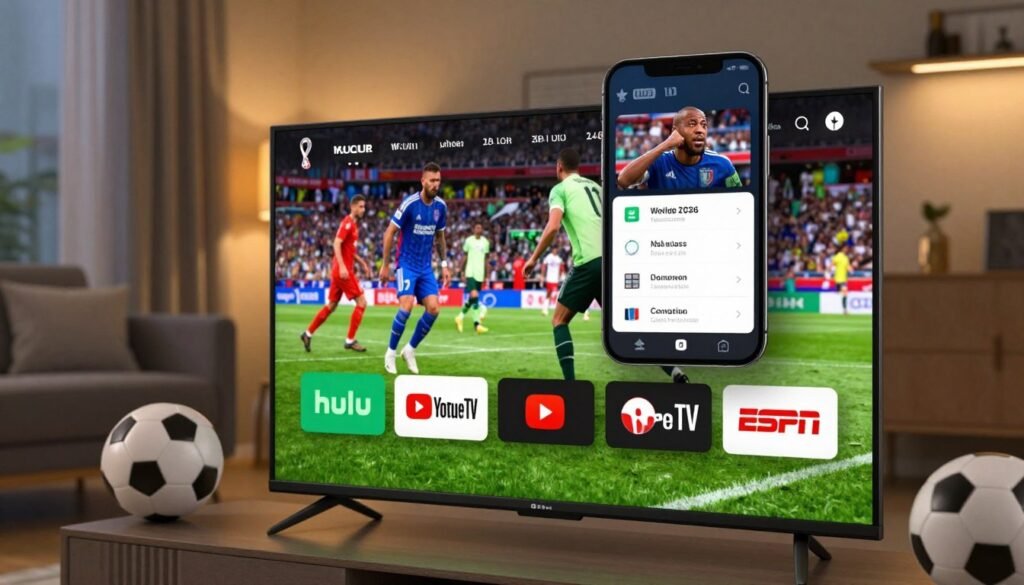
In the U.S., Fox Sports has the rights to broadcast the World Cup 2026. You can catch games on Fox and FS1. For Spanish coverage, Telemundo will show all matches in Spanish across the country.
Want to know more about streaming options? Check out this guide for cord-cutters and cable subscribers.
Streaming Platforms Offering 4K
Many live TV streaming services offer Fox and FS1 in 4K:
- YouTube TV
- DirecTV Stream
- Hulu + Live TV
- Fubo
- Peacock
- Sling TV
These services cost about $70 to $100 monthly. YouTube TV plans to introduce a cheaper sports package in 2026, which could save you money during the tournament.
FIFA+ will stream some matches for free, but it won’t cover the whole tournament.
Availability by Region
| Region | Primary Broadcaster | Streaming Options | 4K Availability |
|---|---|---|---|
| United States | Fox Sports | YouTube TV, Fubo, Hulu, Peacock | Yes |
| United States (Spanish) | Telemundo | Peacock, streaming apps | Limited |
| United Kingdom | BBC and ITV | BBC iPlayer, ITV Hub | BBC iPlayer offers 4K |
Your location affects your streaming choices. If you’re outside the U.S., some services might block you. Use a VPN set to U.S. servers to access most platforms from abroad.
Setting Up Your Streaming Device for 4K
To enjoy 4K World Cup games, you need the right setup and equipment. Your streaming device choice greatly affects your viewing experience. Smart TVs, streaming boxes, and mobile devices all support 4K, but each has its own benefits.
For a smooth viewing experience, ensure your internet and device are ready. When you watch 4K IPTV M3U content, you need fast internet and strong hardware.
Recommended Devices for Optimal Performance
Each device offers different 4K streaming experiences. Here are your main options:
- Smart TVs with IPTV apps or support for external apps. Choose models with high refresh rates and HDR for the best picture.
- Streaming boxes like Roku, Amazon Fire TV, and Google Chromecast. These support M3U playlists and IPTV channels for flexible viewing.
- Mobile devices running Android or iOS with compatible IPTV apps. Ensure your device can handle 4K without overheating.
- Desktop or laptop computers using VLC Media Player. It works great with M3U playlists on Windows and Mac.
Connection Requirements for 4K Streaming
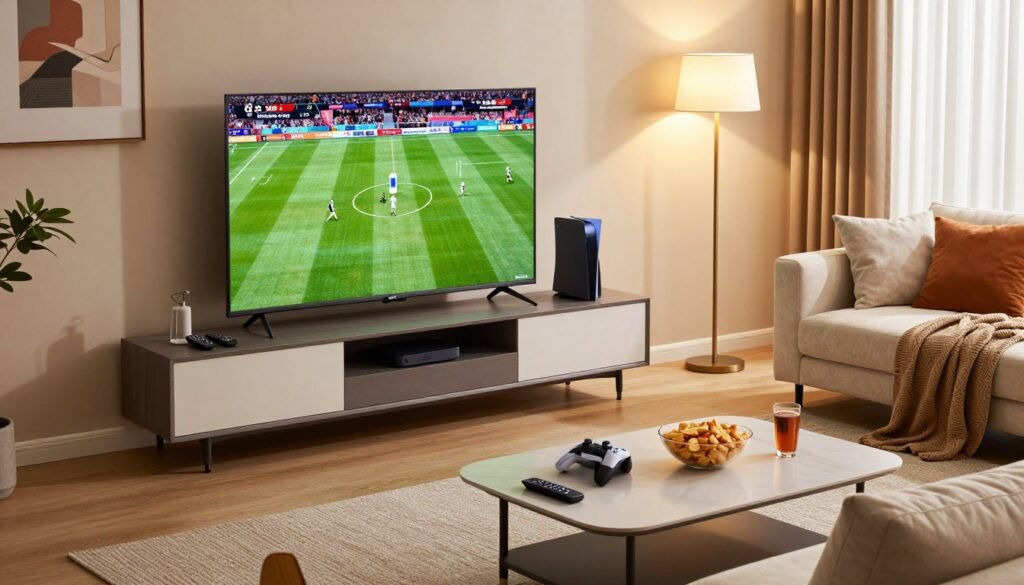
Your internet connection is crucial for 4K streaming. Speed is the key factor:
| Streaming Setup | Minimum Speed Required | Best Performance |
|---|---|---|
| Single 4K Stream | 25 Mbps | Wired Ethernet connection |
| Multiple 4K Streams | 50 Mbps or higher | Dedicated wired connection per device |
| Wi-Fi 4K Streaming | 30+ Mbps | Router placed centrally to reduce interference |
For the best 4K streaming, use a wired Ethernet connection. This reduces buffering and keeps the picture stable. If you must use Wi-Fi, place your router in a central location. Keep other devices off your network during games to ensure smooth streaming.
How to Choose the Right Internet Speed
Streaming the World Cup 2026 in 4K UHD needs a strong internet connection. Your internet speed affects whether you see smooth video or constant buffering. Knowing how much bandwidth you need helps you choose the right plan for your home.
A fast connection is key for clear 4K streams without interruptions. Before you upgrade, find out what speeds are best for ultra-high-definition football action.
Minimum Speed Requirements for 4K
4K UHD streaming requires a lot of bandwidth. Here’s what you need to know about speed requirements:
- 25 Mbps minimum for single 4K stream on most platforms
- 35-50 Mbps recommended for stable 4K without drops
- 100+ Mbps ideal for multiple devices streaming at once
- Fiber or cable internet preferred over standard DSL connections
Your internet service provider (ISP) might advertise speeds, but real performance can vary. Real-world conditions impact streaming quality. Use free tools like Speedtest by Ookla to check if you meet 4K requirements.
Tips for Improving Your Internet Speed
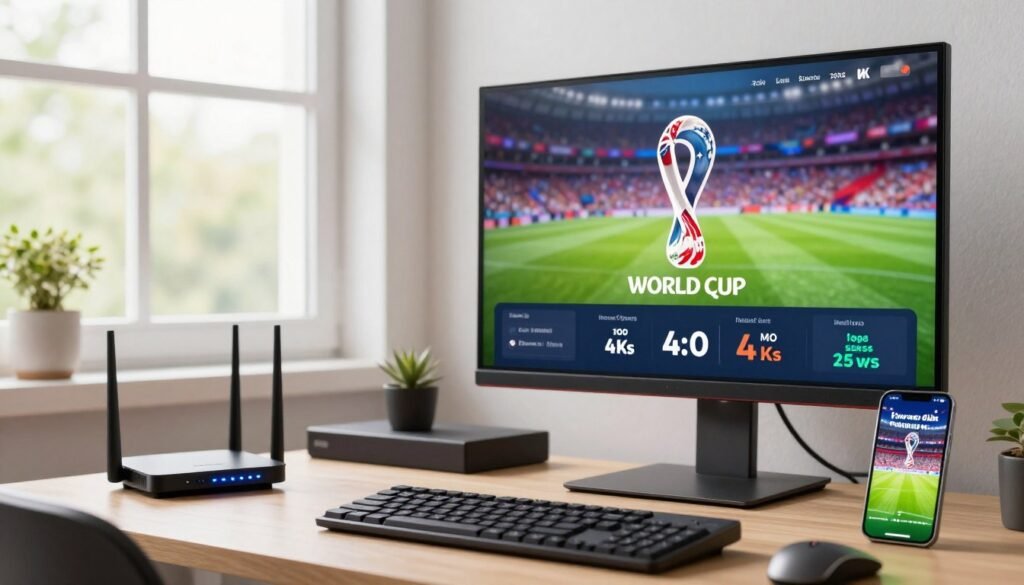
Not ready to upgrade your plan? Simple changes can improve your connection speed:
- Position your WiFi router centrally in your home
- Move your streaming device closer to the router
- Remove obstacles blocking the signal path
- Use a wired ethernet cable instead of WiFi when possible
- Limit background downloads and streaming on other devices
- Restart your router weekly to refresh the connection
These adjustments often give you faster, more reliable streams without extra cost. If these tips don’t solve buffering issues, talk to your ISP about available speed plans.
Streaming Services with the Best 4K Content
Choosing the right streaming platform for World Cup 2026 is important. Each service has unique features for different fans. Your choice depends on what you value most.
Think about what you want from your streaming experience. Do you need DVR to record matches? Do you want to watch in different rooms at the same time? Or will you watch on mobile devices while traveling? Answering these questions helps pick the best platform for you.
Comparison of Popular Streaming Platforms
Many major streaming services offer 4K World Cup viewing. Each has strengths for sports fans.
| Streaming Service | 4K Availability | Simultaneous Streams | DVR Functionality | Mobile Support |
|---|---|---|---|---|
| Peacock Premium | Yes, selected matches | Up to 4 streams | Yes | Full access |
| Apple TV+ | Yes, full coverage | Up to 6 simultaneous streams | Limited | Full access on all devices |
| Fubo TV | Yes, select games | Up to 3 accounts | 1,000 hours storage | Complete mobile streaming |
| ESPN+ | Yes, premium matches | Up to 2 streams | No | Full mobile access |
Special Packages for World Cup Viewers
Many platforms offer special World Cup bundles. These bundles include multiple services at a discount.
- Peacock offers tiered subscriptions starting with ad-supported viewing
- Apple TV+ provides seamless integration across iPhone, iPad, Mac, and Apple TV devices
- Fubo TV includes sports-focused channel packages with cloud DVR recording
- ESPN+ bundles with Disney+ and Hulu for comprehensive sports coverage
Your choice should match your household’s viewing habits and technology. Make sure your internet supports 4K streaming. Also, think about which devices you’ll use most for watching matches.
Tips for a Seamless Viewing Experience
To enjoy your 4K World Cup 2026 streaming, prepare smartly. Adjust your display settings and avoid buffering and lag. These steps can turn a bad day into an amazing one. Fine-tuning your setup means you won’t miss a single goal in stunning quality.
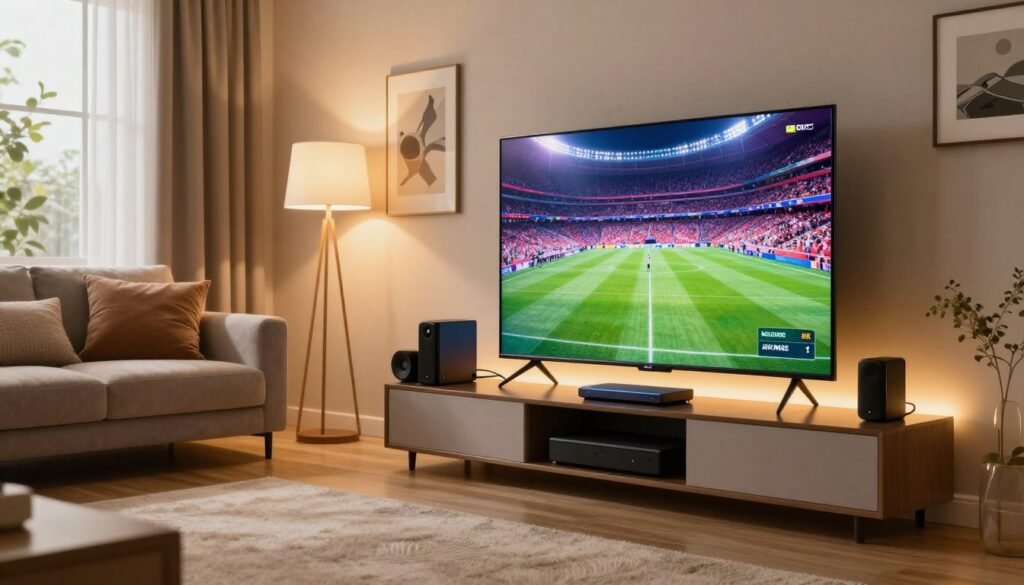
Configuring Picture Settings for 4K
Your TV’s default settings might not show 4K content well. First, go to your display’s picture menu and turn on 4K resolution mode. Most TVs come with settings for streaming.
Here’s what to tweak:
- Adjust brightness to 50-60% for the best contrast
- Enable dynamic contrast to see more in shadows
- Set color temperature to “warm2” or “warm3” for natural skin tones
- Turn off motion smoothing to keep sports action true
- Enable HDR mode if your device supports it
These tweaks work on Samsung, LG, and Sony TVs. Your streaming quality depends on these settings working together.
Avoiding Latency and Buffering Issues
Buffering and latency can ruin the World Cup. Latency makes the action seem delayed.
| Issue | Cause | Quick Fix |
|---|---|---|
| Buffering pauses | Insufficient bandwidth or network congestion | Reduce devices; restart your router |
| Lag during live matches | Server distance or unstable connection | Use an ethernet cable instead of WiFi |
| Freezing streams | Overloaded router or outdated firmware | Update router; close apps |
| Quality drops unexpectedly | Network fluctuations during peak times | Watch during off-peak hours |
Put your router in the middle for better WiFi. An ethernet connection is best for 4K streaming. Close apps you don’t need to free up bandwidth.
Test your connection 15 minutes before matches. This way, you can fix issues before they ruin your viewing.
Accessing Replays and Highlights
Missing a live World Cup 2026 match in 4K UHD doesn’t mean you’re out of luck. Most streaming platforms save full replays and highlight packages for viewers who can’t watch games in real time. You can catch all the action on demand, whether you want to see the entire match or just the best moments. Let’s explore your options for finding replays and highlights across different platforms.
Where to Find Replays After Matches
Major streaming services make replays available shortly after matches end. You can access full-match recordings in 4K quality on most platforms that broadcast the tournament. The timing varies, but replays typically go live within 30 minutes to 2 hours after the final whistle.
Here are the best places to find complete match replays:
- Official FIFA streaming platform
- Fox Sports app and website
- Peacock Premium (NBC’s streaming service)
- ESPN+ (sports-focused streaming)
- Amazon Prime Video (in select regions)
Each platform keeps replays available for different lengths of time. Some services store matches for several weeks, while others keep them for the entire tournament duration.
Platforms Offering Highlight Packages
If you don’t have time for full matches, highlight packages give you the best plays in 5 to 15 minutes. These edited versions let you see goals, saves, and key moments without watching the entire game.
| Streaming Platform | Highlight Length | 4K Availability | Replay Duration |
|---|---|---|---|
| Fox Sports | 5-10 minutes | Yes | 4 weeks |
| Peacock Premium | 7-12 minutes | Yes | Full tournament |
| ESPN+ | 6-15 minutes | Yes | 3 weeks |
| YouTube (Official Channel) | 5-10 minutes | No | Permanent |
| Amazon Prime Video | 8-12 minutes | Yes | Full tournament |
Social media platforms like YouTube and TikTok also post official highlight reels from FIFA. These free options work great if you can’t access premium services. The official FIFA YouTube channel uploads highlights within hours of match completion.
You can set up notifications on your streaming apps to get alerts when replays become available. This way, you won’t miss any action from the World Cup 2026.
Watching the World Cup on Multiple Devices
The World Cup brings excitement to every corner of your home. Watching on multiple devices lets your family enjoy the action together without missing a single moment. Your living room, kitchen, and bedroom can all have access to the same match at the same time. This setup works best when you understand what your streaming service allows and how to set things up properly.
Different services have different limits for watching at once. YouTube TV allows three concurrent streams, which gives you plenty of flexibility for most households. Hulu + Live TV typically allows two simultaneous streams on your plan. fuboTV’s plans vary but often include multiple streams depending on which package you choose. Before the tournament begins, you should verify your specific service’s multi-stream limits. You don’t want to discover during a crucial match that you’ve exceeded your limit and lose access to the game.
Options for TV, Tablet, and Mobile Streaming
Your home likely has several screens ready for World Cup action. Your main television displays the primary match in full quality. A tablet in the kitchen shows a second game while you prepare snacks. A smartphone in your pocket keeps you connected when you step outside. This three-screen approach maximizes your viewing during busy tournament days.
FOX One and FOX Sports App access depends on your underlying TV provider’s policies. Check what your streaming account allows before opening multiple apps. Some IPTV services offer flexible connection options that can be installed on virtually any device, providing versatility for households with diverse viewing preferences.
Multi-Device Streaming Solutions
Success with multi-device streaming requires smart planning. Consider creating a tournament viewing schedule for your household to coordinate who watches what and where, during the group stage. You might set up your main TV for the primary match, a tablet in the kitchen for a simultaneous game, and have the mobile app ready for anyone who needs to step out.
Your WiFi network makes everything possible. Ensure your home WiFi network can handle multiple streams by using a high-throughput router—preferably WiFi 6 or WiFi 7—that can manage bandwidth distribution across numerous connected devices without degrading quality on any single stream. A strong network means smooth 4K viewing on every screen.
| Streaming Service | Concurrent Streams | Best For |
|---|---|---|
| YouTube TV | Three simultaneous streams | Large households with multiple viewers |
| Hulu + Live TV | Two simultaneous streams | Smaller households or two-room setups |
| fuboTV | Multiple streams (plan dependent) | Sports fans wanting customizable options |
Keep these devices in mind when planning your setup:
- Smart televisions for main viewing areas
- Tablets for kitchen or secondary locations
- Smartphones for mobile viewing
- Laptops or computers for backup screens
Your family will appreciate this flexibility during the tournament.
Troubleshooting Common Streaming Issues
Streaming the World Cup 2026 in 4K should be smooth and enjoyable. Sometimes, things go wrong. Knowing what causes problems helps you fix them fast. You might face wireless vs. wired connection problems, insufficient Internet speed, or app cache issues. The good news is that most problems have simple solutions.
Start with the basics. Restarting your device completely (not just the app) can solve many issues. Then wipe app cache in your device settings. Make sure your streaming app is updated to the latest version. These steps fix most connectivity problems.
Connectivity Problems
Your internet connection matters most for reliable streaming. Check your Internet speed right now. You need at least 8 Mbps minimum for HD quality. For 4K streams, aim for 25 Mbps or higher. Use a speed testing tool to verify your actual speeds.
Ethernet is always faster and more stable than wireless connections. Plug your streaming device directly into your router with an Ethernet cable if possible. Wireless vs. wired connection problems often disappear once you switch.
If you use a set-top box or IPTV service, verify that you entered the correct MAC address and server portal information from your activation email. An incorrect MAC address causes immediate connection failures. Double-check these details carefully.
Your ISP might block certain streaming services. If this happens, use VPN routers or incognito DNS links to bypass these restrictions. These tools work without complicated setup.
Quality Issues in 4K Streams
Your stream connects but delivers poor quality? Check your streaming app’s quality settings. Many apps default to “Auto” quality, which drops to lower resolutions when bandwidth dips. Select “4K” or “UHD” manually to force the highest quality.
Device specs not powerful enough is a real issue. Older streaming devices from 2018 or earlier struggle with 4K content. Check your device specifications to ensure they support 4K decoding. Your HDMI cable matters too. Use HDMI 2.0 or higher cables. Older HDMI 1.4 cables cannot handle 4K bandwidth.
Enable your TV’s HDMI UHD Color or enhanced format setting for the port you use. Fluctuating stream quality usually means borderline bandwidth. Upgrade your internet plan, reduce other network usage during matches, or adjust QoS settings on your router to prioritize streaming traffic.
Server portal problems during high-traffic moments affect quality. These issues resolve within minutes as load balancing adjusts. Factory resetting your device works when app cache issues persist after clearing.
Contact customer support if problems continue. Most services offer help from 9 AM to 11 PM. Have your account information and error messages ready.
- Restart your streaming device completely
- Wipe app cache in device settings
- Update your streaming app to the latest version
- Check Internet speed (need 25 Mbps minimum for 4K)
- Switch from wireless to Ethernet connection
- Verify correct MAC address and server portal information
- Select 4K quality manually in app settings
- Enable HDMI UHD Color on your TV
- Use HDMI 2.0 or higher cables
- Factory reset device if issues persist
Preparing for the World Cup: Key Dates and Matches
The 2026 FIFA World Cup will feature 104 matches with 48 teams competing in North America. Mark your calendar to catch all the action in stunning 4K quality. The tournament spans from June 11 to July 19, 2026, giving you months to prepare your streaming setup.
Understanding the schedule helps you plan which matches matter most to your viewing experience.
Important Dates to Remember
The group stage runs from June 11 to July 3, 2026. It starts with Mexico vs. South Africa at Mexico City Stadium at 3 p.m. ET on June 11. The USA plays Paraguay on June 12 at Los Angeles Stadium at 9 p.m. ET.
Canada also kicks off on June 12 facing the UEFA playoff winner at Toronto Stadium at 3 p.m. ET. These opening matches set the tone for the entire tournament.
The knockout phase begins July 4 and runs through July 15, 2026. The Round of 32 takes place from June 28 to July 3, with 16 teams advancing to the Round of 16 between July 4 and July 7. The quarterfinals happen July 9 to July 11, squeezing intense competition into just three days.
The semifinals occur July 14 to July 15, determining which two teams reach the championship match.
The third-place match is scheduled for July 18, giving you one last chance to watch meaningful football before the main event. The World Cup Final happens on July 19, 2026, at MetLife Stadium in East Rutherford, New Jersey, at 3 p.m. ET. This is the match you absolutely must experience in 4K.
Make sure your streaming setup is fully tested and working perfectly by mid-July so you can focus on enjoying the game instead of fixing problems.
Notable Teams and Players to Watch
Argentina enters as the defending champions after their dramatic 2022 victory. Watch whether they can become the first team since Brazil in 1962 to win back-to-back World Cups. Brazil always competes as a favorite with world-class talent seeking their sixth World Cup title.
France fights to reclaim the trophy, while Germany, Spain, England, and Portugal bring star power and tactical skill to every match they play.
This tournament carries historic weight because legendary players like Lionel Messi and Cristiano Ronaldo may play their final World Cup matches. Messi will be 38 years old, and Ronaldo will be 41. Watching these all-time greats potentially make their last appearance is an opportunity you won’t want to miss in anything less than 4K quality.
Belgium and the Netherlands offer talented squads capable of surprising runs through the knockout rounds.
Host nations like the United States, Canada, and Mexico carry enormous pressure and support from home crowds. Their matches will be must-watch television with electric atmospheres. Watch for surprise teams from Africa, Asia, and smaller confederations that might produce the tournament’s Cinderella story.
Create a personalized watchlist of teams you want to follow, set calendar reminders for their matches, and test your 4K streaming setup well before these critical dates so you can focus on the beautiful game in ultra-high-definition quality.



